
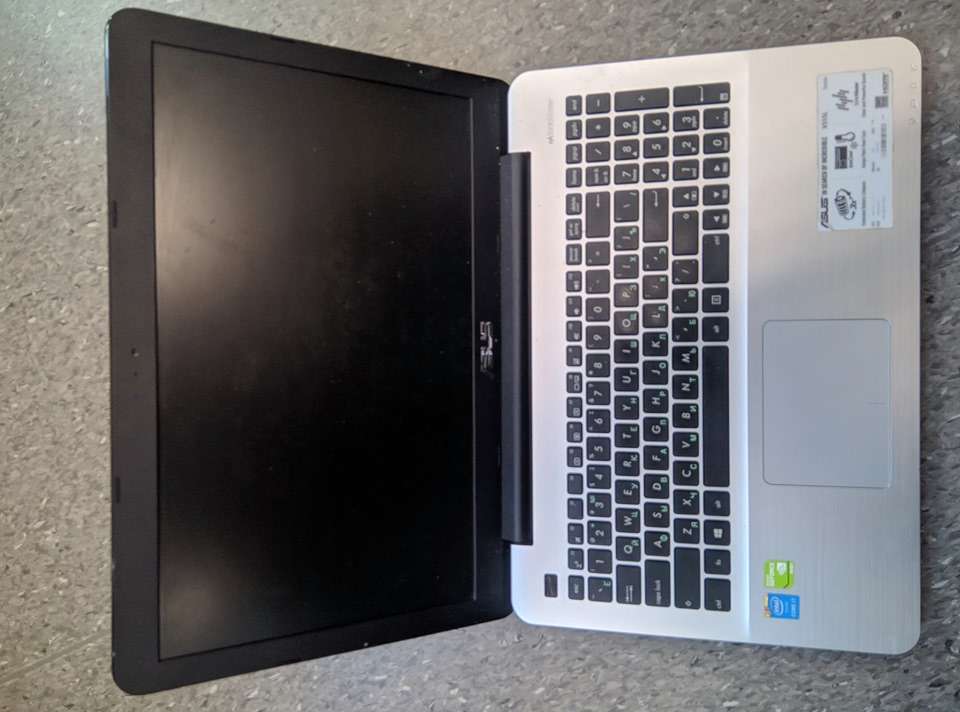
Urgent case. An employee, while leaving work (company name withheld), deleted all data and subjected the hard drive and RAM module to a high-voltage discharge (using a simple lighter). Despite the holiday day off, the company can continue to operate at full capacity today. Data has been recovered, and the computer has been repaired.
Data recovery from a computer may be necessary in various cases, such as recovering deleted files, formatting errors, unexpected computer or storage device failures, and more. Here are some steps you can take to recover data from a computer:
Backups: If you have a backup of your data, recovery can be easier and faster. Review your backups and restore from them. Backups can be stored on an external drive, server, or in the cloud.
Visual check: Verify whether your files have been moved to another location or the recycle bin. Sometimes files can be accidentally moved or deleted.
Use the “Previous Versions” feature: Some operating systems (such as Windows) have a “Previous Versions” feature that allows you to restore earlier saved versions of files. This can be useful if a file was modified or deleted.
Seek professional help: If your attempts to recover data are unsuccessful or if there are serious cases of data loss, you can turn to data recovery specialists or companies. They have specialized equipment and expertise needed to recover data from difficult-to-access locations.
It is important to effectively minimize data loss by regularly creating backups and following data security best practices.